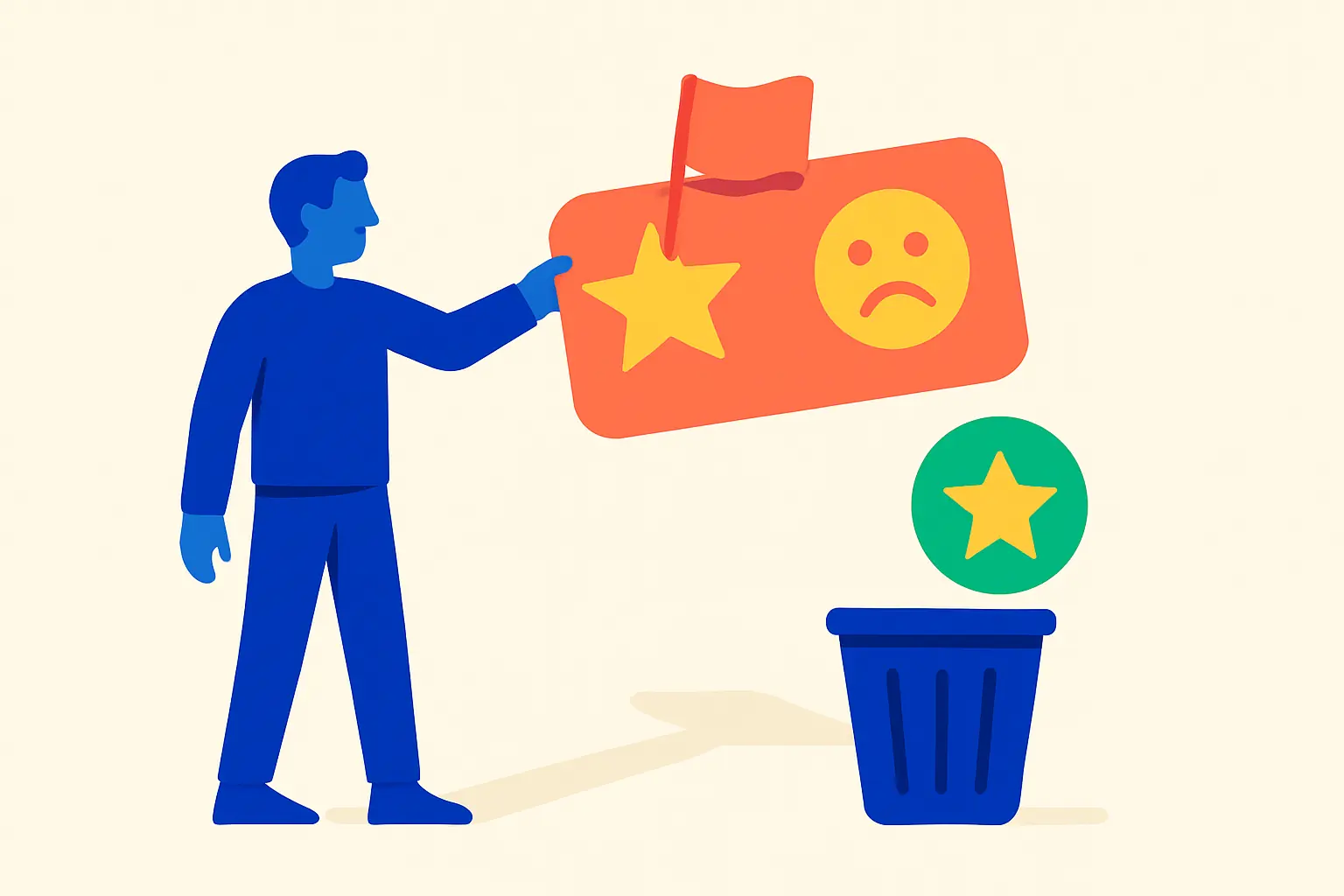
A business cannot delete a Google review. Only the reviewer can remove their own review, and Google can remove reviews that violate its policies. If you received a review that contains spam, fake content, harassment, or is clearly off-topic, you can flag it for evaluation and, if needed, appeal the decision. Many reports are denied, and genuinely negative feedback from a real customer will stay up regardless of how unfair it seems.
This guide covers what qualifies for removal, the exact steps to flag a review, how to escalate through Google’s appeal process, and what to do when removal is not an option.
Is This Review Actually Removable? A Quick Decision Guide
Before spending time flagging a review, check whether it fits Google’s removal criteria. Google only removes reviews that violate its prohibited and restricted content policy. A negative but genuine review does not qualify.
| Review type | Eligible for removal? | Recommended action |
|---|---|---|
| Fake review (person never visited) | Yes | Flag as “Not a real experience” |
| Spam or duplicate posting | Yes | Flag as “Spam” |
| Harassment or personal threat | Yes | Flag as “Harassment” |
| Off-topic (wrong business) | Yes | Flag as “Off-topic” |
| Conflict of interest (competitor or ex-employee) | Yes | Flag as “Conflict of interest” |
| 1-star review with no text | Generally no | Respond professionally |
| Negative but accurate review | No | Respond and earn more reviews |
| Review you simply disagree with | No | Respond professionally |
If the review falls into the bottom three rows, flagging it will not result in removal. Google’s policy is explicit: “Do not report a review just because you disagree with it or dislike it.”
What Google’s Policy Actually Covers
Google’s prohibited and restricted content policy defines the categories of review content eligible for removal. The categories most relevant to business owners are:
Fake and misleading content. Contributions must “reflect a genuine experience” at a location. Reviews that were never based on a real visit, paid reviews (directly or in kind), and reviews posted from multiple accounts at one person’s direction all fall here.
Spam and off-topic content. Reviews unrelated to a business’s actual products or services, or that appear to be mass-posted, qualify as off-topic or spam.
Harassment. Content with a specific threat of harm or that is designed to intimidate an individual.
Conflicts of interest. Reviews by current or former employees, competitors, or anyone with a personal stake in manipulating the business’s rating.
Hate speech, obscenity, and advertising. Reviews that use slurs targeting protected groups, contain explicit language, or promote another business’s services.
A genuine complaint, even an angry or one-sided one, does not fit any of these categories. If a customer had a bad experience and described it accurately, the review stays.
How to Flag a Review in Google Business Profile
Google provides two ways to flag a review: directly from your Business Profile, or through the Reviews Management Tool. The Reviews Management Tool is the better option because it lets you track the status of your report and file an appeal if the report is denied.
Method 1: Flag from your Business Profile
- Sign in to your Google Business Profile.
- Select Reviews from the left menu.
- Find the review you want to flag and click the three-dot menu next to it.
- Select Report review.
- Choose the policy violation reason (Spam, Off-topic, Conflict of interest, Profanity, Harassment, etc.).
- Submit the report.
Method 2: Use the Reviews Management Tool (recommended)
- Open the Reviews Management Tool and confirm your email address.
- Select your business from the list.
- Choose Report a new review for removal.
- Click Report next to the review you want to flag.
- Select the violation reason.
- Click Submit.
After submission, the report status will show as Decision pending. Review evaluation typically takes several days. You can check back in the Reviews Management Tool to see the outcome.
What Happens After You Flag a Review
Google will return one of three statuses in the Reviews Management Tool:
- Decision pending: the review is still being evaluated.
- Report reviewed – no policy violation: Google did not find a violation. The review stays up, but you are eligible to file a one-time appeal.
- Escalated – check your email for updates: your report was escalated, and Google will contact you directly.
If the review is removed, it will disappear from your profile within a few days. If you receive the “no policy violation” status, you have one appeal available.
How to Appeal a Denied Report
If your flagged review was denied and you believe the decision was wrong:
- Return to the Reviews Management Tool.
- Select Check the status of a review I reported previously and appeal options.
- Select the review you want to appeal (up to 10 reviews can be included in a single appeal submission).
- Fill out the appeal form explaining why the review violates policy.
- Click Submit.
Each review gets one appeal. Google does not offer further recourse after an appeal is decided. If the appeal is denied, the review will remain on your profile permanently.
When building your appeal, be specific. Describe precisely which policy category the review violates and why, and include any evidence you have (for example, if the reviewer’s profile shows they reviewed dozens of businesses in the same day, that supports a spam claim).
What to Do When Google Won’t Remove a Review
Most flagged reviews are not removed. For a negative review that does not violate policy, you have two effective options.
Respond to the review. A professional, constructive reply shows other potential customers that you take feedback seriously. It also gives you a chance to address inaccuracies and demonstrate your customer service. See our guide on how to respond to Google reviews for specific response frameworks and examples.
Earn more genuine reviews. A single 1-star review carries far less weight on a profile with 200 reviews than on a profile with 10. According to BrightLocal’s Local Consumer Review Survey 2026, 47% of consumers won’t use a business with fewer than 20 reviews. The most reliable way to reduce the impact of a negative review is to consistently ask satisfied customers to share their experience. This approach also raises your overall rating over time.
Both strategies are legitimate. Buying reviews, incentivizing reviews without disclosure, or asking only happy customers while filtering out dissatisfied ones all violate Google’s policies and can result in your Business Profile being penalized. Managing your Google Business Profile properly, including a steady stream of genuine reviews, is the sustainable path.
Asking the Reviewer to Remove Their Review
A reviewer can delete their own review at any time. If you have a relationship with the customer and the situation was resolved, it is acceptable to reach out and let them know the issue has been addressed and that you would appreciate it if they reconsidered the review. Do not pressure or incentivize them to change or remove it. A polite follow-up is fine; a conditional offer (“we’ll give you a refund if you delete the review”) crosses into policy violation territory.
Frequently Asked Questions
Can a business delete Google reviews?
No. Businesses cannot delete Google reviews. Only the reviewer who posted the review can remove it, and Google can remove reviews that violate its prohibited and restricted content policy. A business’s only tool is flagging a review for policy violations, which Google then evaluates independently.
How long does Google review removal take?
According to Google’s support documentation, “review evaluation typically takes several days.” There is no guaranteed timeline, and some reports take longer. You can check the current status of any reported review in the Reviews Management Tool at any time.
What if Google won’t remove the review?
If a flagged review is denied, you have one appeal available through the Reviews Management Tool. If the appeal is also denied, the review is permanent. At that point, the most effective strategies are responding professionally to the review and generating more positive reviews from genuine customers to reduce its relative impact.
How do I report a fake Google review?
Sign in to Google Business Profile, go to Reviews, find the fake review, click the three-dot menu, and select Report review. Choose the violation reason that fits best (typically “Fake review” or “Not a real experience”). For better tracking and appeal options, use the Reviews Management Tool instead of flagging directly from your profile.
What types of reviews does Google remove?
Google removes reviews that violate its prohibited and restricted content policy. This includes fake or paid reviews, spam, off-topic content, harassment, hate speech, obscenity, conflicts of interest (such as reviews by employees or competitors), and content promoting another business. Negative reviews based on a real customer experience do not qualify for removal regardless of how unfair they seem.
Does flagging a Google review always work?
No. Many flagged reviews are not removed. Google evaluates each report against its policy criteria and does not remove reviews simply because a business disagrees with the content. If the review reflects a genuine customer experience, even a harshly negative one, it will remain on the profile. Flagging is only effective when the review clearly violates a specific policy category.
For a broader look at managing your business’s online presence across platforms, see our guide on managing your local business’s online presence.
Leave a Reply